Step 1 : Go to Firebase website
Step 2 : If you have a Firebase account, Sign in, else create an account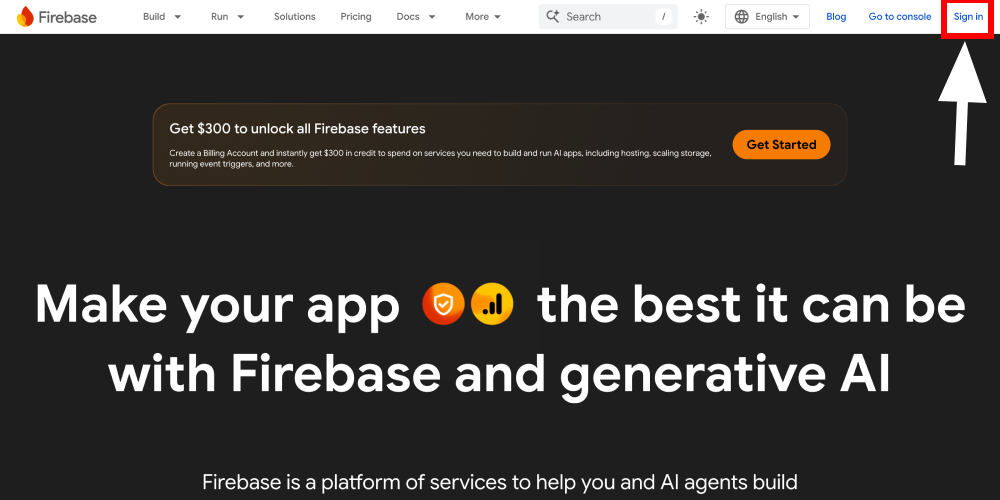
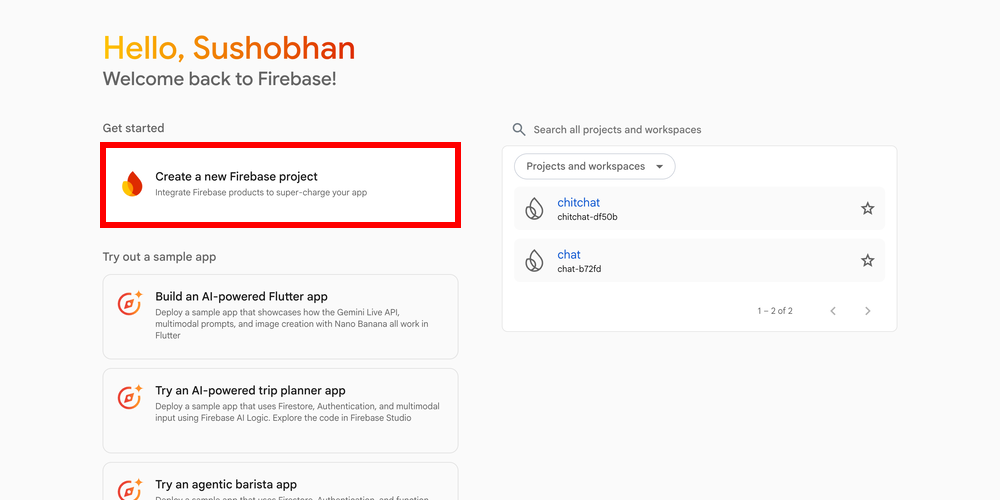
Step 3 : Click Create a new Firebase project
Step 4 : Enter a project name (e.g., “WCFM Live Chat”).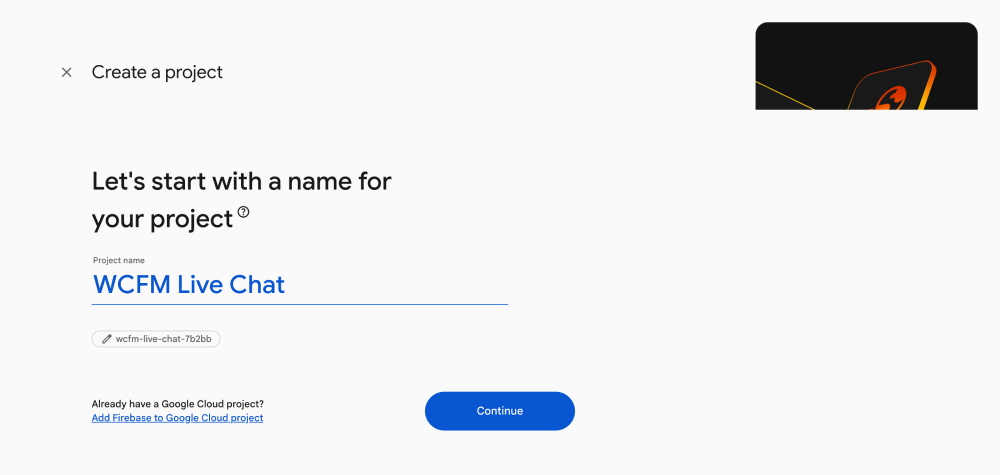
Step 5 : Turn On Enable Gemini in Firebase (optional but recommended)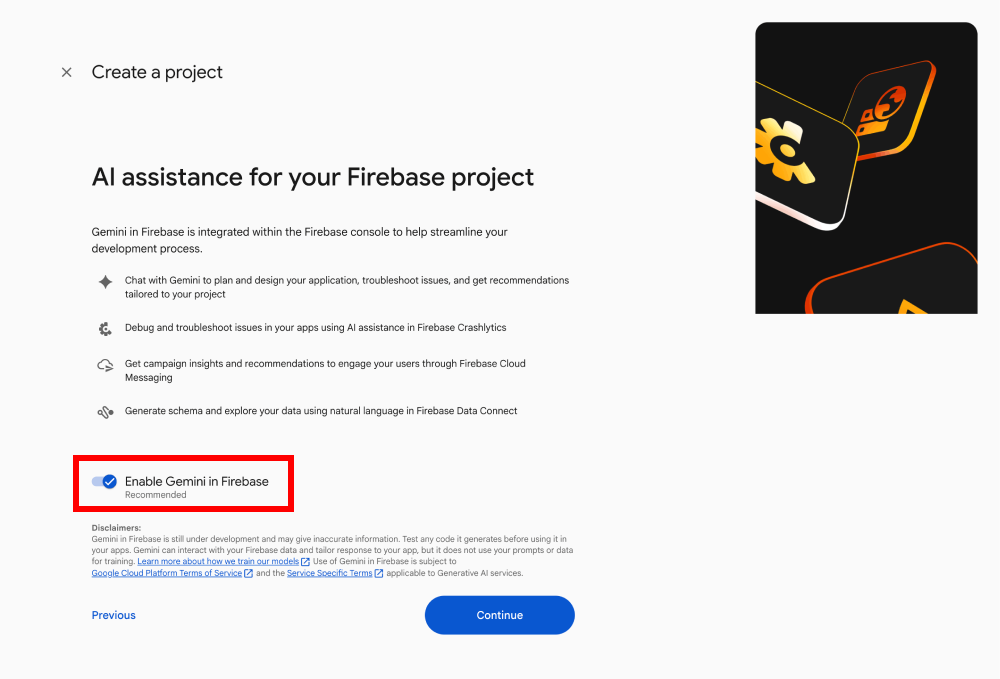
Step 6 : Turn On Enable Google Analytics for this project (optional but recommended)
Step 7 : At the Configure Google Analytics screen, select your Google Analytics account and click Create Project
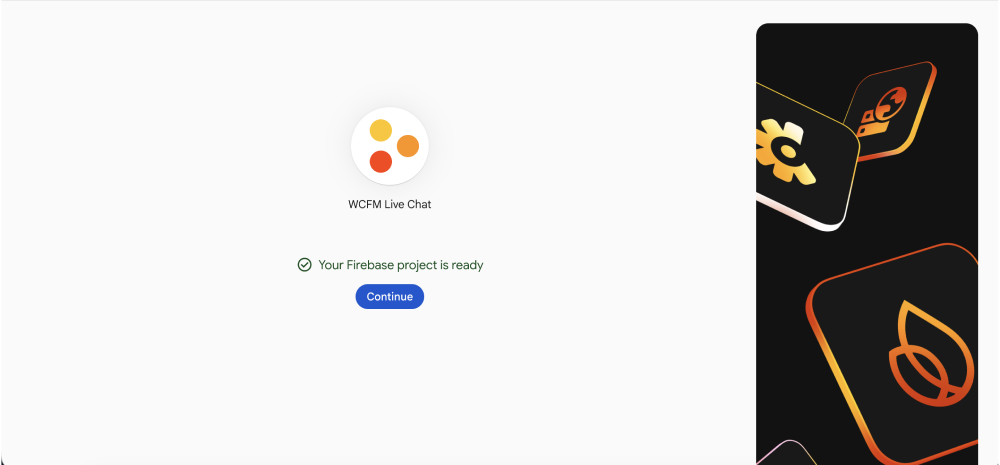
Step 8 : Click Continue once the project is ready.