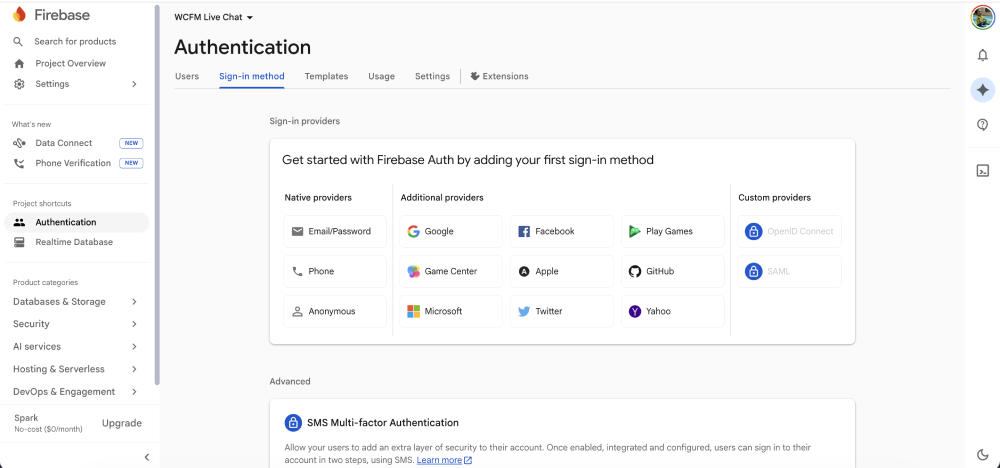
Step 1 : From the sidebar, navigate to Security > Authentication. On the authentication page, click Get started.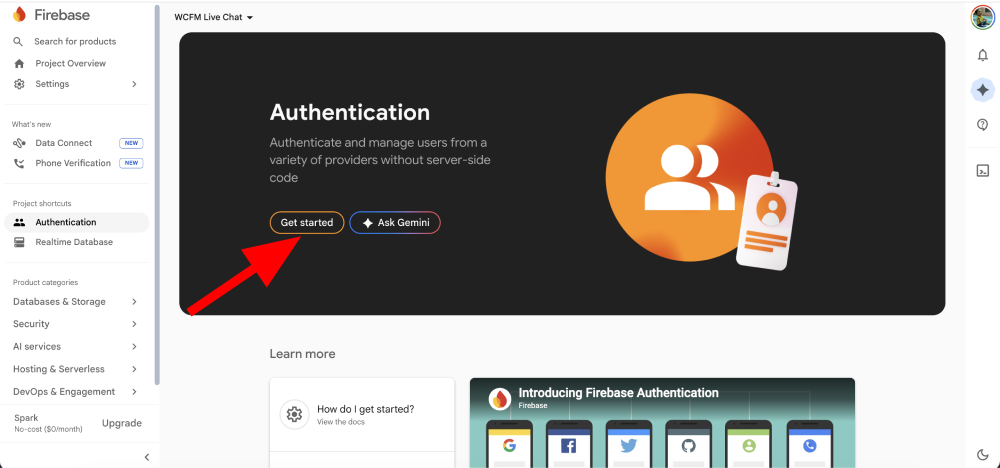
Step 2 : You do not need to enable Email/Password or any specific providers—simply clicking Get started (from the previous step) initializes the Identity Toolkit for your project, which is required for the system to function.