
- Go to Products and add or edit a product.
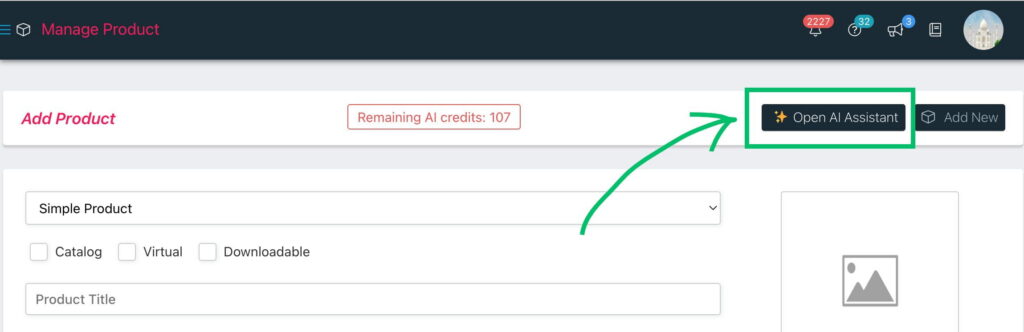
- In the top toolbar, click the Open AI Assistant button.
- The AI popup opens on the Write Copy tab. Choose an input mode:
- From Text Prompt — type a short description (e.g., “Organic cotton baby onesie, soft, hypoallergenic”).
- From Product Image — pick one or more of the product’s photos and let the AI describe them.
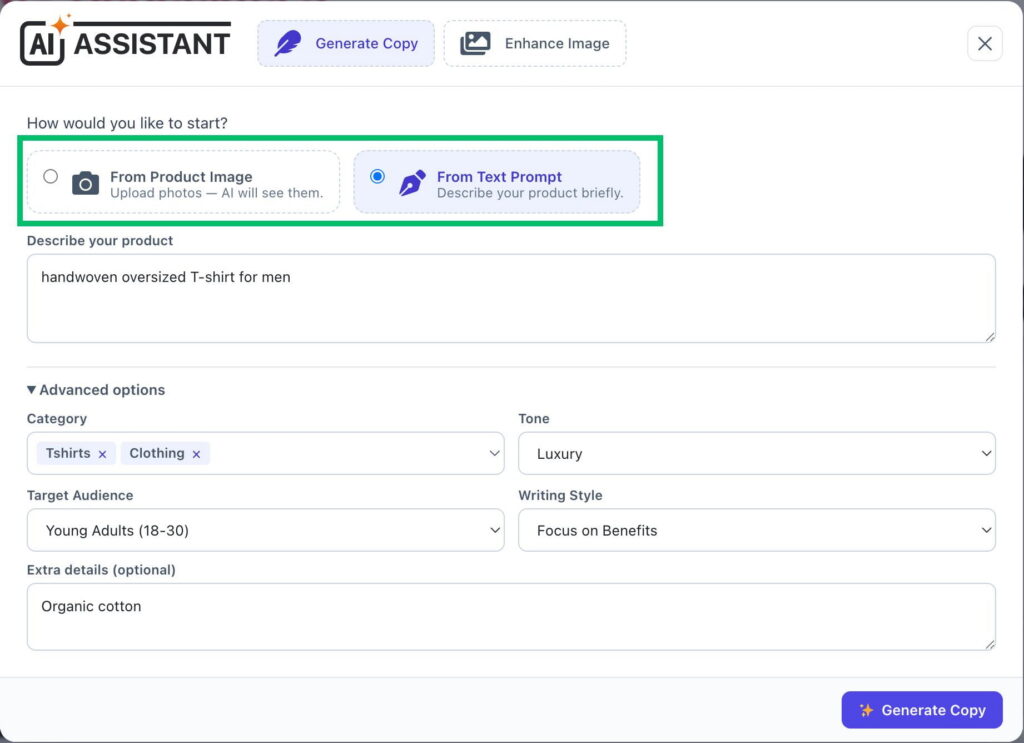
- Click Generate Copy. After a few seconds you get three results: Title, Short Description, and Long Description.
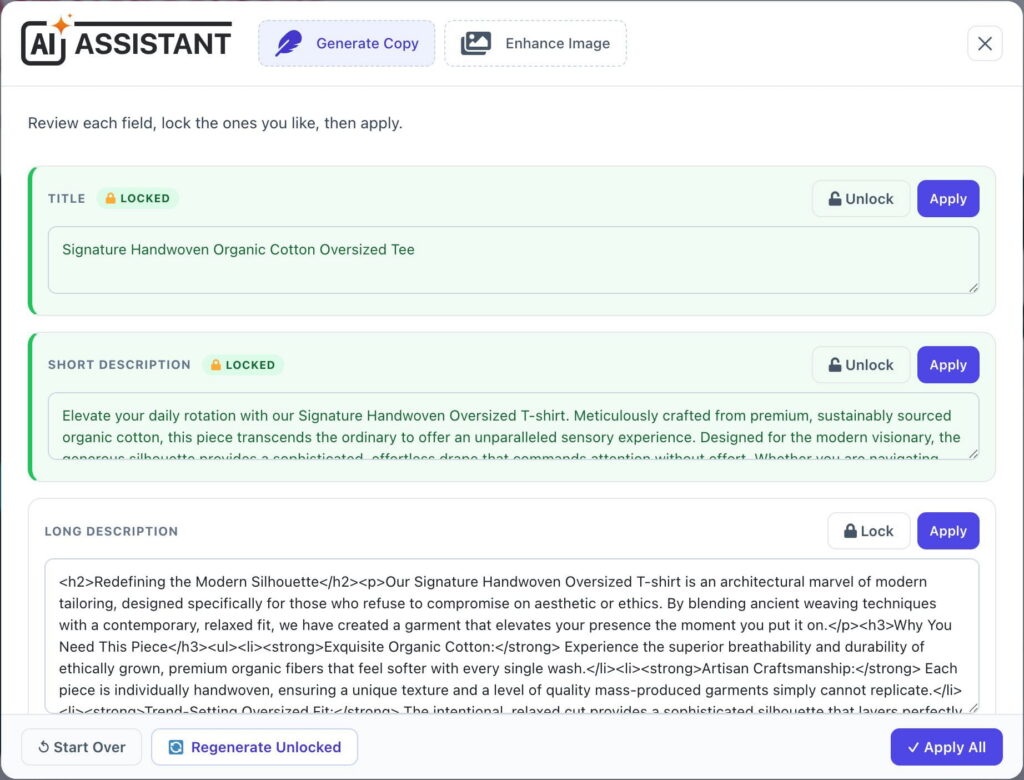
- Refine the results:
- 🔒 Lock a card you’re happy with, then click Regenerate Unlocked to redo only the others (locked text is kept and used as context).
- Apply a single field, or Apply All to fill every field at once.
- Start Over to clear everything.
- Save the product as usual.
💡 Tip: setting the product’s category before generating gives more relevant copy.